Pixel Art resize
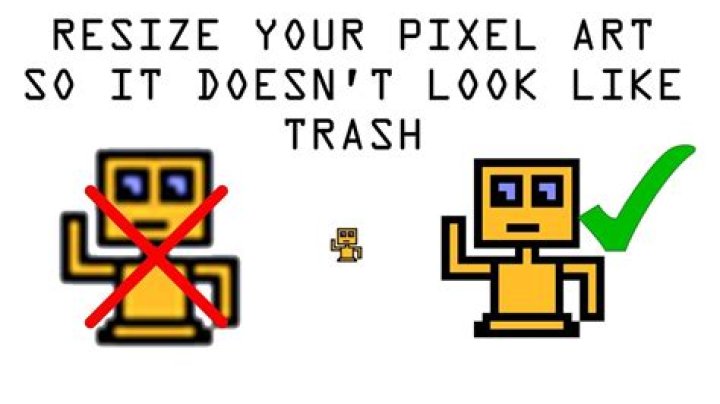
The Resize Pixel Art Document option, found on the Document menu, allows you to upsample your document using one of two renowned pixel art resampling algorithms: XBR and HQX.
To resize using pixel art filters:
- From the Document menu, select Resize Pixel Art Document.
- Choose from either HQX or XBR as the resampling method, and pick a size multiplier from 2x, 3x or 4x.