Triangle
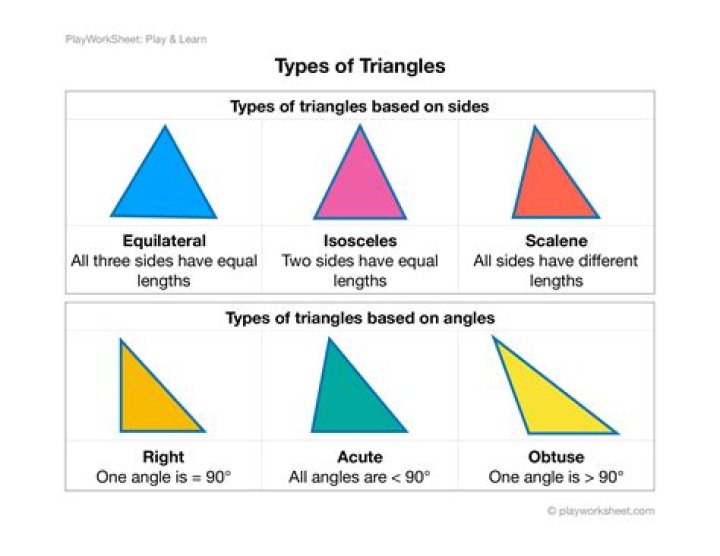
Create all types of triangles including true isosceles and right-angle triangles easily with the Triangle shape tool.
Customization
The Triangle shape tool offers a handle on the shape and options on the context toolbar to enable the triangle to be modified.
Settings
The following settings can be adjusted from the context toolbar:
- Top point—controls the position of the top point of the triangle from left (0%) to right (100%), with 50% representing a central point.
Show Rotation Centre—displays a movable rotation centre about which the shape can be rotated.
Hide Selection—when selected, the object's selection box is temporarily hidden when transforming the object. If this option is off, the selection box remains visible during transformation. The selected behaviour persists across all objects unless it is manually switched.
Reset Selection Box—after reshaping, rotating, or shearing the shape, this option resets the selection box to vertical.
Convert to Curves—converts the selected object into a series of connected lines and nodes.